Remote MCP server
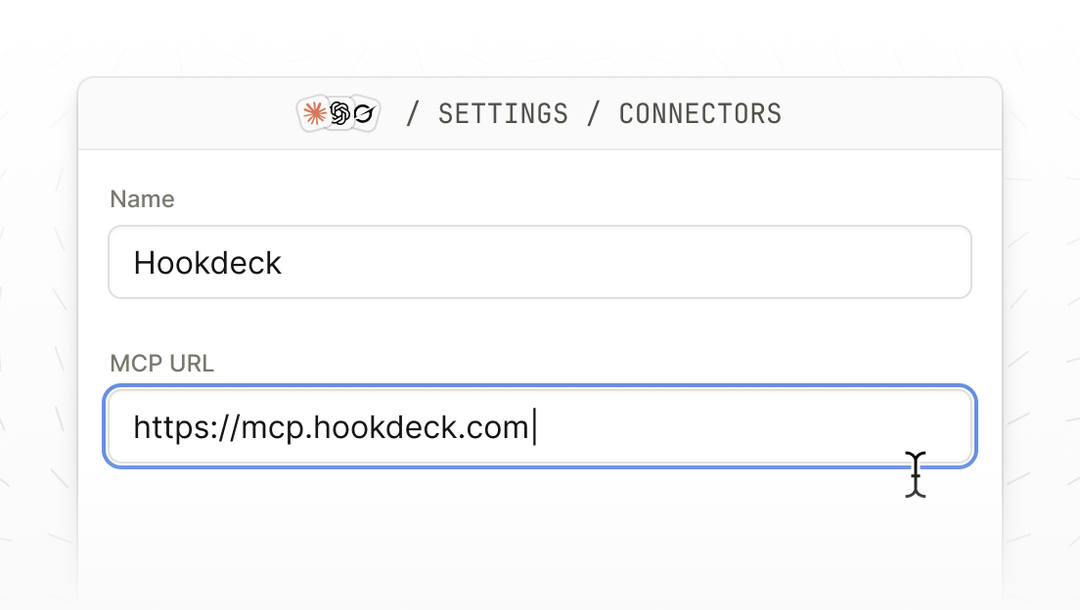
You can now investigate webhook delivery issues from Claude, ChatGPT, or any other agent with our remote MCP. Add https://mcp.hookdeck.com in your app and sign in with Hookdeck. The same URL works for Event Gateway and managed Outpost projects.
What's new
Event Gateway: Search requests and events with the same filters as
hookdeck gateway event list, read payloads, and follow an event through to each delivery attempt and response. Check issues and metrics, test transformation code against a sample request, and estimate how many records a bulk retry would touch. With write access, the agent can also retry, cancel or mute events, rerun requests, run bulk retries and replays, triage issues, and manage connections, sources, destinations and transformations.Outpost: Look up tenants, their destinations, published events and delivery attempts, and query publish and delivery metrics by tenant, topic or destination. With write access, the agent can also retry a delivery, manage tenants and destinations, get a link to a tenant’s portal, and change project configuration.
Project access
At sign-in, you choose which organizations and projects the app can access and when that access expires. If you approve multiple projects, you can ask the agent to switch between them. Its next call uses the project you selected.
Access defaults to Read only. In Event Gateway, this includes pausing a connection while you investigate. Hookdeck holds its events until you resume delivery. Choose Read and write at sign-in to let the agent retry deliveries or change configuration within your project role.
Migrate from the CLI MCP
If you've previously used the MCP server built into the Hookdeck CLI, the CLI's MCP server is still available but it will be deprecated. We recommend migrating.