Changelog

New features, improvements, and fixes across Event Gateway, Outpost, and the Hookdeck platform.

  1. Outpost in Terraform

    Version 3.1.0 of the Hookdeck Terraform provider adds the hookdeck_outpost_project resource and data source, so you can create Outpost projects and manage their configuration alongside your Event Gateway resources.

    The release also reads Event Gateway source and destination config back from Hookdeck, so changes made in the dashboard show up in your plan.

    Outpost projects

    resource "hookdeck_outpost_project" "deliveries" {
      name = "customer-deliveries"
    
      config = {
        TOPICS                 = "order.created,order.updated"
        RETRY_INTERVAL_SECONDS = "60"
        MAX_RETRY_LIMIT        = "8"
      }
    }
    

    Configuration keys are the Outpost environment variable names, so topics, retries, portal branding and observability settings all live in your Terraform code and go through review like everything else. Values you want hidden from plan output go in sensitive_config. Tenants and destinations stay with your application, which creates them through the Outpost API.

    Event Gateway source and destination drift detection

    When someone edits an Event Gateway source or destination's config in the dashboard, the next plan shows it and the next apply restores what's in your code. Only the keys you set are compared.

    Before you upgrade

    3.1.0 changes what happens when you remove a config key or leave a connection's rules unset, and 3.0.x can't read state once 3.1.0 has run. The release notes cover these and the bug fixes in this release.
  2. Remote MCP server

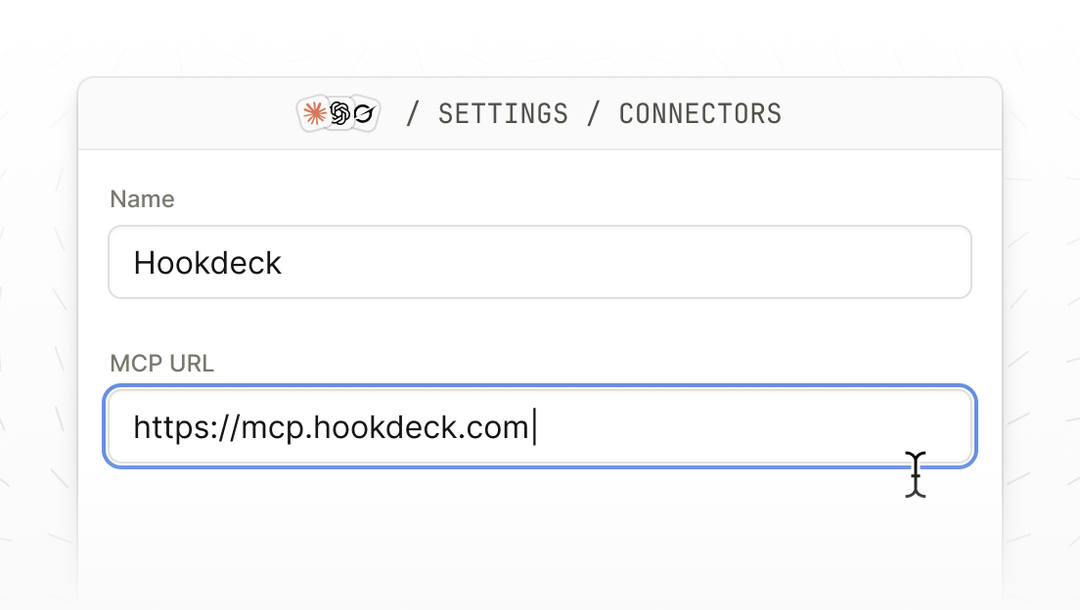
    You can now investigate webhook delivery issues from Claude, ChatGPT, or any other agent with our remote MCP. Add https://mcp.hookdeck.com in your app and sign in with Hookdeck. The same URL works for Event Gateway and managed Outpost projects.

    What's new

    • Event Gateway: Search requests and events with the same filters as hookdeck gateway event list, read payloads, and follow an event through to each delivery attempt and response. Check issues and metrics, test transformation code against a sample request, and estimate how many records a bulk retry would touch. With write access, the agent can also retry, cancel or mute events, rerun requests, run bulk retries and replays, triage issues, and manage connections, sources, destinations and transformations.

    • Outpost: Look up tenants, their destinations, published events and delivery attempts, and query publish and delivery metrics by tenant, topic or destination. With write access, the agent can also retry a delivery, manage tenants and destinations, get a link to a tenant’s portal, and change project configuration.

    Project access

    At sign-in, you choose which organizations and projects the app can access and when that access expires. If you approve multiple projects, you can ask the agent to switch between them. Its next call uses the project you selected.

    Access defaults to Read only. In Event Gateway, this includes pausing a connection while you investigate. Hookdeck holds its events until you resume delivery. Choose Read and write at sign-in to let the agent retry deliveries or change configuration within your project role.

    Migrate from the CLI MCP

    If you've previously used the MCP server built into the Hookdeck CLI, the CLI's MCP server is still available but it will be deprecated. We recommend migrating.

  3. Hookdeck CLI v3.2.0

    Hookdeck CLI v3.2.0 returns event and request payloads from list commands, so you or your agent can read a batch of events in one call instead of fetching them one at a time.

    Payloads in list commands. Add --include data to gateway event list, gateway request list or gateway request events, with --output json, and each result includes its headers, body, path and parsed query. With --include data, the limit defaults to 10 unless you pass --limit. In the Event Gateway MCP server, the list action of gateway_events_read and gateway_requests_read takes the same include argument.

    hookdeck listen stops when Hookdeck rejects your credentials. When the connection is refused with a 401 or 403, or closed because your key was revoked, listen exits 1 and prints the server's message. It used to print Connection lost, reconnecting... and retry forever. Network drops and 503 responses still reconnect.

    Connection rules run in the order you write them. On connection create, update and upsert, the position of each rule type's first --rule-* flag sets its position in the connection's rules. Before, rules were always built as deduplicate, transform, filter, delay, retry, so a filter written before a transform ran after it. --rule-transform-name now accepts a transformation's name or ID, and fails if neither exists.

    Check your scripts. Some commands that exited 0 while ignoring part of your input now fail:

    • --output with any value other than json exits 1. listen --output is unchanged.
    • connection update fails when --source-id or --destination-id differs from the stored value, and connection upsert fails when the destination differs. The API never changes an existing connection's source or destination.
    • If you put --rule-filter-* before --rule-transform-* and relied on the transform running first, reorder the flags.

    The release notes list every change, including fixes to source auth flags on several source types.

    npm install -g hookdeck-cli@latest
    # or
    brew upgrade hookdeck
    
  4. MCP events

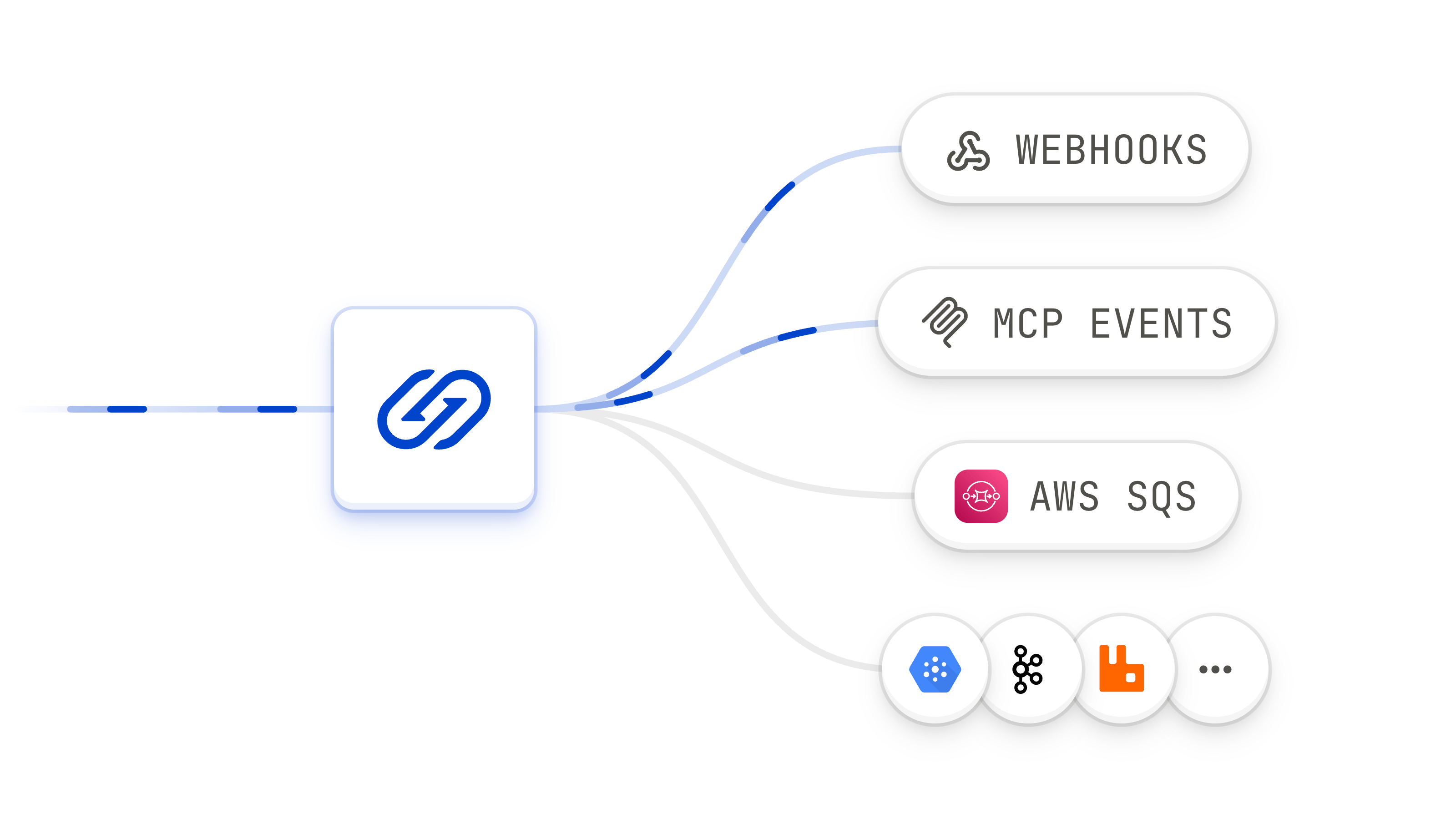
    As of v1.9.0, Outpost can be the backend for MCP Events, the draft MCP extension that lets an agent subscribe to events from your MCP server and receive them as webhooks. Your MCP server forwards events/list, events/subscribe and events/unsubscribe to Outpost, and Outpost verifies the callback URL, stores the subscription, and signs, filters and delivers each matching event.

    What's new

    Agents connected to your MCP server can list your event types and subscribe to one, with arguments that filter on payload fields. Outpost delivers matching events straight to the agent's callback URL, signed with Standard Webhooks. Deliveries don't pass through your MCP server.

    Publishing doesn't change. One publish reaches every matching subscription for that tenant, and a tenant's topics include the events its agents subscribe to.

    To try it locally, mcp-dev runs a reference MCP server, receiver and client with sample events, and mcp-dev check tests any MCP Events server against the spec.

    Limitations

    For now, MCP Events is experimental and off by default. Since the spec is still a draft, details such as error codes may change. Delivery is webhook mode only, matching what ChatGPT supports: there's no poll or streaming delivery and no cursor replay.

  5. Standard Webhooks

    Event Gateway now signs and verifies webhooks with Standard Webhooks, an open specification for webhook signatures. A signed request carries a webhook-id, a webhook-timestamp and a webhook-signature, which is an HMAC-SHA256 of the ID, timestamp and body made with a whsec_ secret. A receiver checks it with one of the spec's libraries.

    Sign deliveries to your endpoints. Choose Standard Webhooks as the authentication method on an HTTP, CLI or Mock API destination, and enter your endpoint's secret. Event Gateway signs every attempt again, retries included, so a retry sent an hour later still passes an endpoint that rejects timestamps more than five minutes old. The webhook-id stays the same across attempts, so your endpoint can deduplicate on it. It's the original sender's webhook-id when the request had one, and otherwise the Hookdeck event ID.

    Verify webhooks from any sender that uses the spec. Webhook and HTTP sources verify Standard Webhooks signatures, next to HMAC, Basic Auth and API key verification, so a sender that signs this way doesn't need a dedicated source type. A request passes when any v1 signature in its webhook-signature header matches, so a sender can rotate its secret by signing with both. A request with a bad signature is rejected with VERIFICATION_FAILED. See Standard Webhooks verification. The MCP_EVENTS source type verifies the same signatures for deliveries from an MCP server.

    Limits. A destination signs with one secret, and rotation isn't available yet. A webhook-id that contains a period fails the attempt with DESTINATION_AUTH_FAILED, and nothing is sent. A transformation can rewrite such an ID. Asymmetric v1a signatures aren't supported for signing or verifying. Source verification happens after Event Gateway accepts the request, so a sender with a bad signature gets the source's usual response, not a 401. The Hookdeck CLI can't set Standard Webhooks on a destination yet, so use the dashboard or the API.

  6. Hookdeck Inspect

    Hookdeck Console is now Hookdeck Inspect.

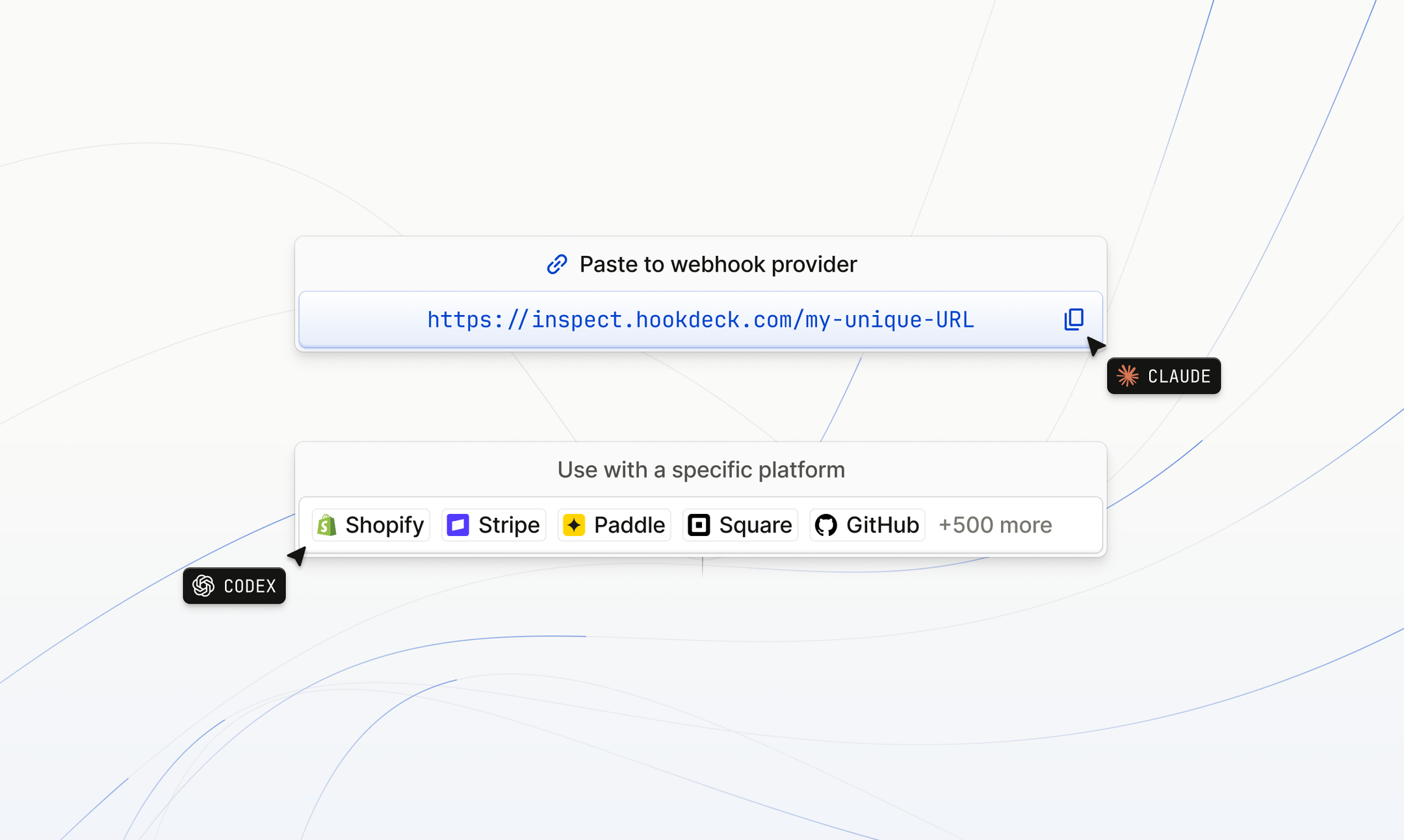
    Same instant URL to test and debug webhooks, now readable by your agent with mock payloads for 500+ providers.

    Get a URL and see requests arrive live with payloads exactly as sent. Or paste your URL into Claude or Codex and it’ll tell you when a request lands, and use it to build your handler.

    All with a path to production: Forward requests to localhost with CLI, then use with Event Gateway for queues, retries and transformations.

  7. Usage alerts

    You can now set a spend threshold for Event Gateway and Outpost usage from your organization's billing settings. When a product's usage charges for the billing period reach its threshold, organization owners and admins get an email.

    Thresholds are in your billing currency and cover usage charges before prepaid credits, discounts, and taxes; base plan fees are excluded. Usage can take up to an hour to reach billing, so an alert may arrive after the threshold is crossed. Alerts are informational and never pause event processing.

  8. MCP Events

    Event Gateway now supports MCP Events, the draft MCP extension (SEP-3415) that lets an agent subscribe to events instead of waiting for a prompt, in two ways.

    Turn webhooks into MCP events. The open-source MCP Events bridge is an MCP server built on Event Gateway. It turns webhooks from Resend, GitHub, Stripe and other services, or your own, into MCP events. Event Gateway verifies each webhook with its source type, turns it into an MCP event, and delivers it to each subscriber, signed with that subscriber's secret on every attempt. The bridge takes subscriptions over MCP and sets each one up as an Event Gateway connection. ChatGPT and other MCP Events clients subscribe, and Claude Code gets the same events through a plugin that polls the bridge.

    Receive MCP events in your own agent runtime. The new MCP_EVENTS source type puts Event Gateway in front of an agent that subscribes to MCP events. It answers each subscription's verification challenge at the edge, within a 5-minute timestamp window, and never delivers the challenge as an event. It verifies the Standard Webhooks signature on every delivery and answers 401 to a bad one, so the MCP server sees the failure. See Use Event Gateway as a forward proxy for MCP Events.

    Limits. SEP-3415 is a draft, so details may change. An MCP_EVENTS source holds one whsec_ secret, with no rotation yet. Payloads over 2.5 MiB skip edge verification.

  9. Dynatrace export

    You can now export Hookdeck Event Gateway metrics to Dynatrace, alongside existing Datadog, New Relic and Prometheus support. The integration uses the Dynatrace Metrics API to send request, event and delivery attempt metrics directly to your Dynatrace SaaS environment.

    The following metrics are exported:

    • Requests (total, accepted, rejected, ignored)
    • Events (total, successful, failed)
    • Delivery attempts (total, delivered, failed)
    • Response latency (average, p95, p99)
    • Queue depth per destination

    Each metric includes project and organization dimensions, plus the name of its source, connection or destination, so you can filter and alert on them in Dynatrace.

    Response latency percentiles are also new for the other exports. Datadog and New Relic now receive hookdeck.attempts.response_latency_p95 and _p99. Prometheus exposes hookdeck_response_latency_p95_ms and _p99_ms, and hookdeck_response_latency_ms now reports the average over the last 5 minutes instead of an all-time average.

    Datadog and New Relic now receive queue depth as hookdeck.queue_depth.message_count. Latency and queue depth are sent to both as gauges instead of counts, so Datadog's default rollup no longer adds up per-second latency averages.

    If your Datadog account already has hookdeck.attempts.response_latency, it's registered as a count. Change its type to gauge in the Datadog Metrics Summary. Graphs that already use rollup(avg) keep working.

    Configure the integration in your project integrations by providing a Dynatrace access token with the Ingest metrics scope and your environment URL. Metrics will start appearing in Dynatrace within a few minutes.

    Metrics export is available on the Growth and Enterprise plans.

  10. Faster retries

    Retries are now faster and bursts of retries no longer swamp the log store.

    Before each retry, Outpost looks up the latest delivery attempt for the event and destination. On ClickHouse, that lookup used to read more data the longer you kept logs. It now starts from the time of the attempt that failed, so its cost no longer grows with retention. With 8 million attempts over 30 days, one lookup dropped from about 300 ms of ClickHouse CPU to about 14 ms.

    The scheduler now runs at most RETRY_MAX_CONCURRENCY retries at once per process (default 100) and adds jitter to its backoff, so failed lookups don't all come back at the same moment. Set RETRY_LOOKUP_BATCH_SIZE to combine the lookups of retries running at the same time into one query. In our tests, a batch size of 50 cut the ClickHouse CPU spent on lookups by about three quarters. CLICKHOUSE_MAX_OPEN_CONNS, CLICKHOUSE_DIAL_TIMEOUT_SECONDS and CLICKHOUSE_READ_TIMEOUT_SECONDS tune the ClickHouse connection pool, with defaults unchanged.

    Available now in v1.7.0.