Changelog
Replay requests
In short
Re-ingest a request as a new request, routed to the connections you choose
You can now replay a request. A replay re-ingests the original request through the full pipeline as a brand-new request, creating one new event per target connection. The original request and its events are left untouched.
By default, a replay targets every active connection on the request's source — including connections added after the original request arrived. You can also target specific connections, or a different source entirely. Because the replay runs against your current configuration, transformations, filters, and deduplication are re-evaluated. Verification is not re-run — the original request's verified verdict carries forward.
This is helpful when you need to:
- Backfill a new connection: replay historical requests onto a connection you've just added, so it receives traffic that arrived before it existed.
- Reprocess after changing a transformation or filter: replays run through your current connection rules, so you can fix a transformation and re-run the affected requests.
- Reroute misdirected traffic: send requests that were routed to the wrong connection to the right one — even on a different source — without asking the provider to resend them.
- Test with production data: replay real payloads against a development or staging connection to verify a new setup end to end.
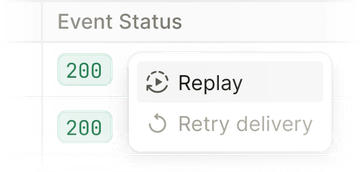
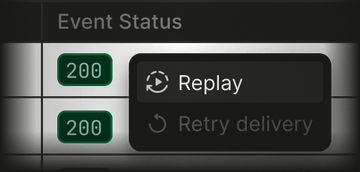
Replay a single request from the Requests page, or start from an event on the Events page to replay the request behind it — the request is always the entity being replayed. To replay many requests at once, use bulk replay from the Requests page. See Replay a request for the full details.